Documentation
Preferences
You can tweak preferences for Horizontal Tabs in the preferences menu.
- Navigate to Edit > Preferences > Add-ons.
- Search for Horizontal Tabs.
- Expand the add-on to find all settings related to it.
- Scroll down to see all your sidebar panels and per-editor settings.
Operators
Visibility Toggle
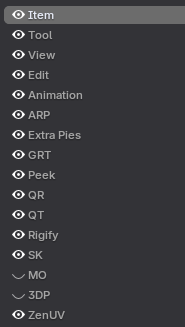
The eye icon located on the left side of the entries allows you to toggle the visibility of add-ons on or off.
Reordering Tabs
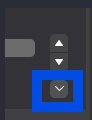
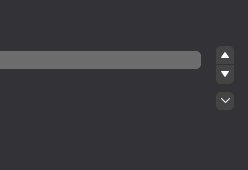
The arrow operators next to the entries list allow you to move entries left or right in the header.
- Up Arrow: Move Left
- Down Arrow: Move Right
Tab Settings Context Menu
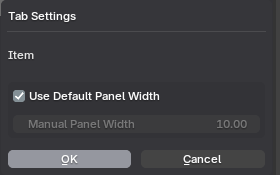
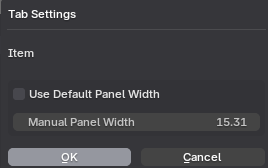
Click the small arrow to open the Tab Settings context menu. These settings will be changed per panel.
- Use Default Panel Width: Uncheck this to override the width manually as needed.
Editor Visibility Toggle
The global visibility toggle icon is the eye icon located on the left side of the Horizontal Tabs entries.
- On (default): Shows the header entries for the add-on.
- Off: Hides panel entries from the current editor.
