How to install
-
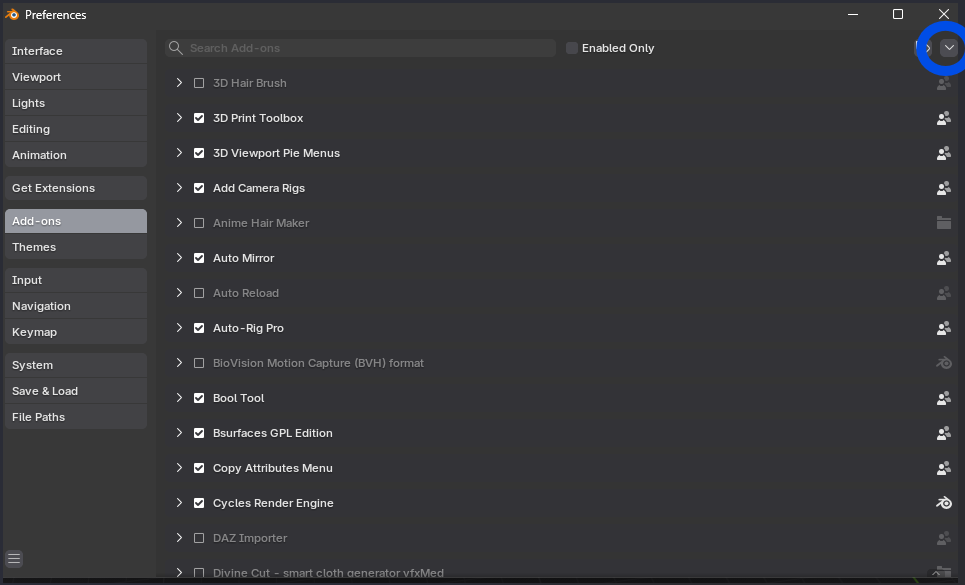
Navigate to Blender Preferences -> Add-ons tab and select the dropdown.
-
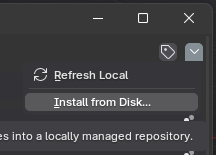
From the dropdown select the option “Install from Disk…”.
-
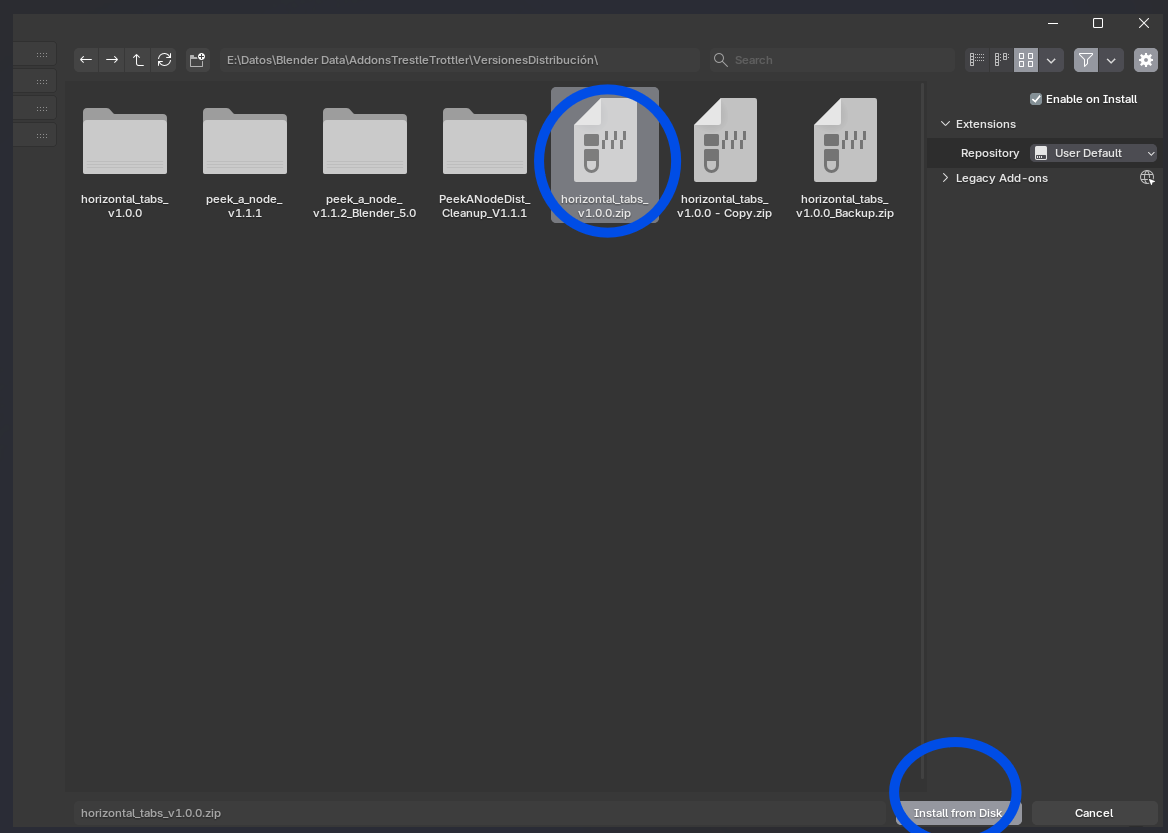
Navigate to where you have downloaded the
.zipfile for the add-on. -
Select it and then click “Install from Disk”.
Once installed
All your add-ons from the sidebar will appear in Blender’s header.
If you have a lot of add-ons you can scroll on the header with the mouse wheel to go through them.